Message Sent!
Thanks for reaching out. We’ll get back to you shortly.
What is an IPTV Encoder? A Complete Guide to Streaming Technology
In the world of digital streaming, an IPTV encoder plays a vital role as the linchpin that converts video signals into a format suitable for transmission over the internet. Whether you are a broadcaster looking to deliver live channels or an enthusiast setting up a personal IPTV system, understanding how an IPTV encoder works is crucial to delivering high-quality content in 2026.
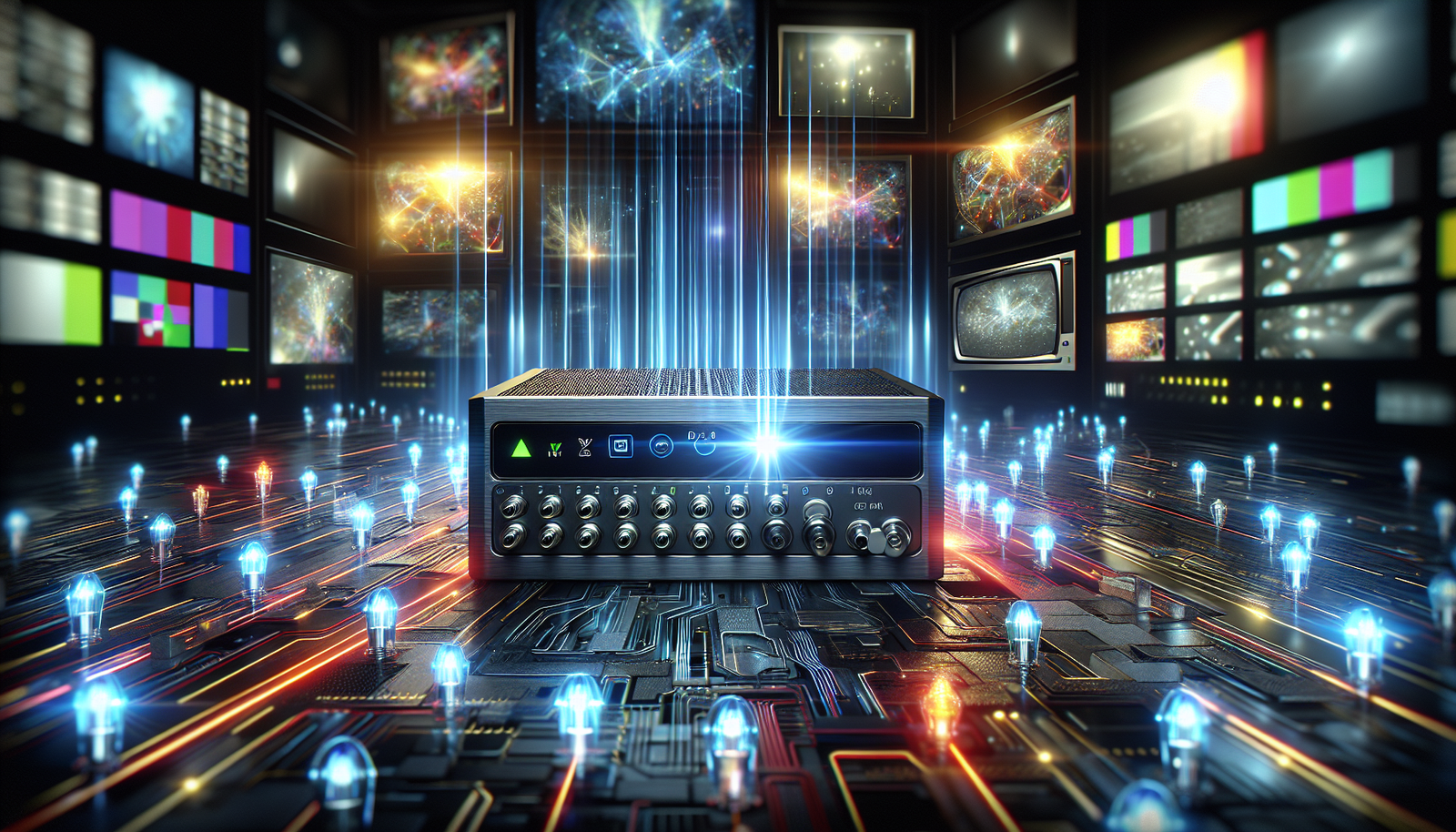
Understanding the IPTV Encoder: The Heart of the Stream
How an IPTV Encoder Converts Your Video Signal
An IPTV encoder transforms raw video inputs into a compressed digital format, usually using codecs like H.264 or H.265. This conversion is essential because it reduces the file size while maintaining video quality, making it efficient for streaming over the internet. The encoder ensures that your video can be streamed seamlessly across various devices, from smart TVs to mobile phones.
Key Technical Specifications: Bitrate, Resolution, and Codecs
When discussing IPTV encoders, it’s crucial to understand key specifications such as bitrate, resolution, and codecs. Bitrate refers to the amount of data processed over a specific time, impacting both quality and bandwidth requirements. Higher resolution provides clearer images, while codecs determine how data is compressed and decompressed. Selecting the right combination of these settings is pivotal for optimal streaming.
Hardware vs. Software Encoders: Pros and Cons
Choosing between hardware and software encoders depends on your needs. Hardware encoders offer better performance and reliability, making them ideal for professional broadcasters. However, they tend to be more expensive. Software encoders, like OBS Studio, are cost-effective and flexible, suitable for hobbyists or those exploring free IPTV options. Each type has its advantages and limitations, so consider your budget and technical requirements carefully.
Setting Up Your IPTV Encoder: A Step-by-Step Guide
Essential Equipment and Software You’ll Need
To set up your IPTV encoder, you’ll need a few key pieces of equipment: a reliable internet connection, a video source (such as a camera or media player), and the encoder itself. Additionally, software tools and an IPTV setup guide can help configure the encoder to meet your streaming needs. Ensure all your equipment is compatible to avoid any potential issues during the setup process.
Configuring Encoder Settings for Optimal Quality
Configuring your encoder involves selecting the right settings for bitrate, resolution, and codecs. It’s essential to balance quality with bandwidth availability. Start with a moderate bitrate and gradually adjust it to find the best quality without buffering issues. High-definition streams generally require higher bitrates, so ensure your internet connection can handle the load.
Connecting Your Encoder to Your IPTV Service or Player
Once your encoder settings are configured, the next step is connecting it to your IPTV service or player. This involves inputting the appropriate URL or stream key provided by your IPTV subscription. Ensure that your encoder is compatible with the service to avoid any disruptions. Many modern IPTV players offer straightforward integration with various encoders, streamlining the process.
Choosing the Best IPTV Service for Your Encoded Stream
What to Look for in a Professional IPTV Subscription
When selecting the best IPTV service, consider factors such as channel variety, stream quality, customer support, and pricing. A reliable IPTV subscription should offer a robust lineup of channels with minimal downtime. Additionally, check for compatibility with your chosen encoder to ensure a seamless streaming experience.
Compatibility Between Your Encoder and Service Provider
Compatibility is key when pairing your IPTV encoder with a service provider. Check that the provider supports the encoding formats and protocols you plan to use. This ensures that your encoded stream will be processed correctly, maintaining quality and reducing latency issues.
Avoiding Pitfalls with Free IPTV Services
While free IPTV services may seem appealing, they often come with drawbacks such as limited channel availability, lower quality, and potential legal issues. If you choose to explore free IPTV options, do so with caution and be aware of the potential risks involved.
Optimizing Playback: IPTV Players and Your Encoded Stream
How Top IPTV Players Decode Your Signal
IPTV players are crucial for decoding your encoded streams. They receive the data stream and use codecs to decode it, rendering the content on your device. Top IPTV players are designed to handle various formats and resolutions, ensuring that your viewers experience smooth playback regardless of the original encoding.
Troubleshooting Common Playback Issues
Common playback issues, such as buffering or low-quality streams, can often be traced back to encoding settings or network bandwidth. Ensure your encoder is configured correctly and that your internet connection is stable. Regularly update your IPTV player and check for compatibility with the latest codecs to minimize disruptions.
Ensuring a Smooth Viewing Experience on All Devices
A seamless viewing experience requires that your encoded streams are optimized for the wide range of devices your audience might use. Test your streams on different platforms and adjust settings accordingly. Keep in mind factors such as screen size and resolution to provide the best possible viewing experience.
FAQs
Do I need a special IPTV encoder to use a subscription service?
Typically, no. Most consumer IPTV subscriptions provide pre-encoded channels. You would use an encoder if you are a broadcaster creating your own live channel to deliver through an IPTV platform.
Can I use a software encoder for free IPTV streaming?
Yes, software encoders like OBS Studio are popular free tools for encoding and streaming live video to various platforms. However, the reliability and legality of the ‘free IPTV’ destination service are separate concerns.
What’s the most important encoder setting for IPTV quality?
Bitrate is crucial. A higher bitrate generally means better video quality, but it requires more internet bandwidth. You must balance quality with the stability of your connection and the limits of your IPTV service.
How does an IPTV player work with the encoded stream?
An IPTV player is a decoder. It receives the encoded data stream (often via a playlist or portal link), decodes it using the appropriate codec (like H.264), and renders the video and audio on your screen in real-time.
In conclusion, the role of an IPTV encoder is indispensable in the world of IPTV streaming. Understanding its function, setup, and optimization can significantly enhance your viewing and broadcasting experience. Whether you are opting for the best IPTV service or experimenting with free IPTV, a well-configured IPTV encoder ensures high-quality streams that can be enjoyed across multiple devices.
Frequently Asked Questions
Do I need a special IPTV encoder to use a subscription service?
Typically, no. Most consumer IPTV subscriptions provide pre-encoded channels. You would use an encoder if you are a broadcaster creating your own live channel to deliver through an IPTV platform.
Can I use a software encoder for free IPTV streaming?
Yes, software encoders like OBS Studio are popular free tools for encoding and streaming live video to various platforms. However, the reliability and legality of the ‘free IPTV’ destination service are separate concerns.
What's the most important encoder setting for IPTV quality?
Bitrate is crucial. A higher bitrate generally means better video quality, but it requires more internet bandwidth. You must balance quality with the stability of your connection and the limits of your IPTV service.
How does an IPTV player work with the encoded stream?
An IPTV player is a decoder. It receives the encoded data stream (often via a playlist or portal link), decodes it using the appropriate codec (like H.264), and renders the video and audio on your screen in real-time.
For official device setup help related to iptv encoder, visit Amazon Fire TV support.
Ready to experience the best iptv encoder service?
44,000+ live channels · 100,000+ movies · 4K Ultra HD · 24/7 support
Try Our Services →